Finance analysis and conditions — Workforce cost table bulk actions for Horus
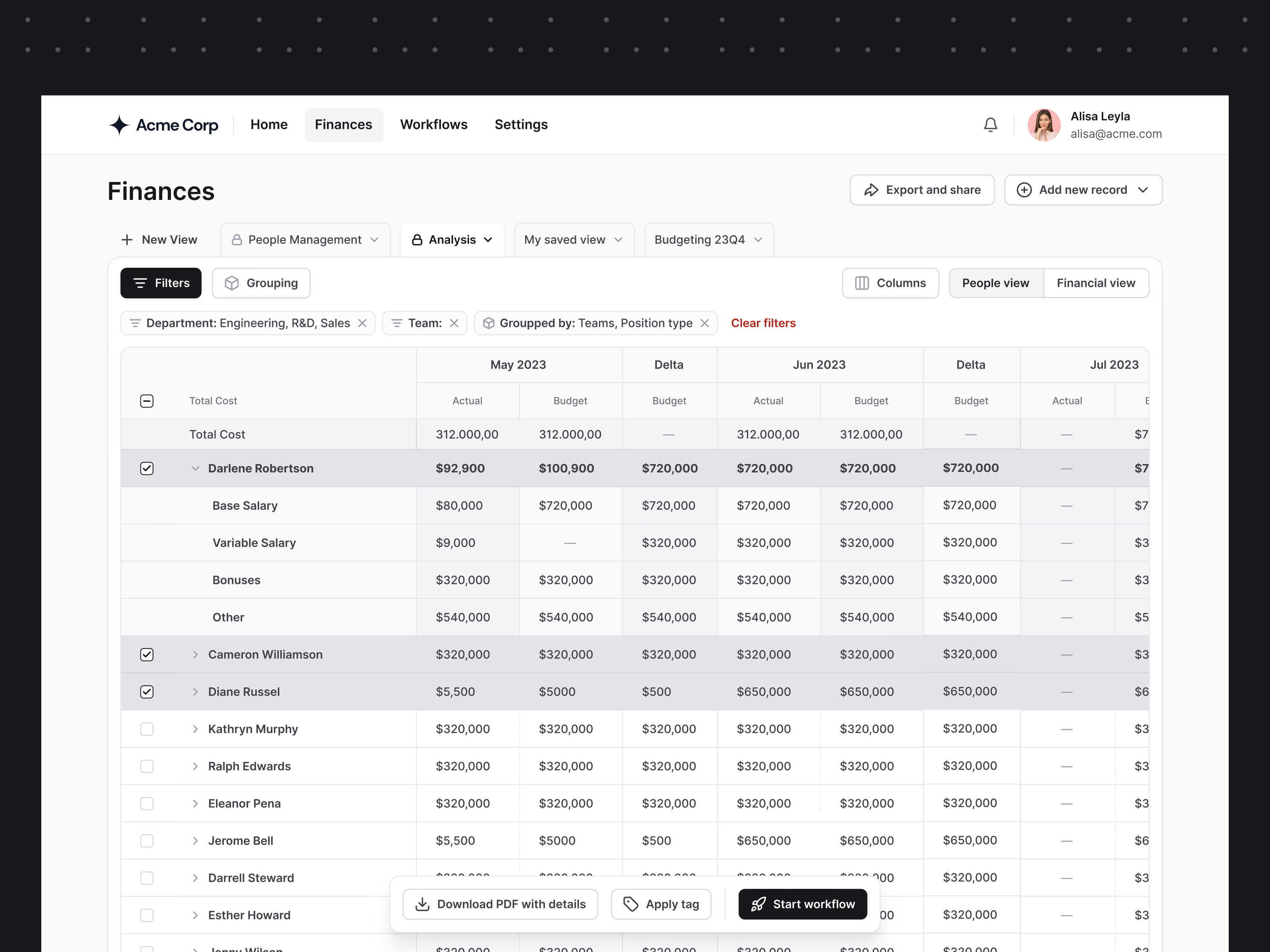
This is the Finances analysis view for Horus, with filters on and a few rows selected. It is for comparing what a team costs with the budget, month by month.
Each month has an Actual and a Budget column followed by a Delta, so the gap is visible without doing the maths. A person’s row opens into base salary, variable salary, bonuses and other costs, for when a total needs explaining. The filters in use show as chips above the table, with Clear filters in red, so you always know what you are looking at.
Selecting rows brings up a bar at the bottom with what you can do with them: download a PDF with details, apply a tag or start a workflow. It only appears when something is selected, so it stays out of the way the rest of the time.
Got something real to build?
Tell us what you’re building and let’s see if we’re a good fit.