HelloGov – Desktop Checkout Order Summary (Exploration) — Desktop checkout order summary exploration for HelloGov
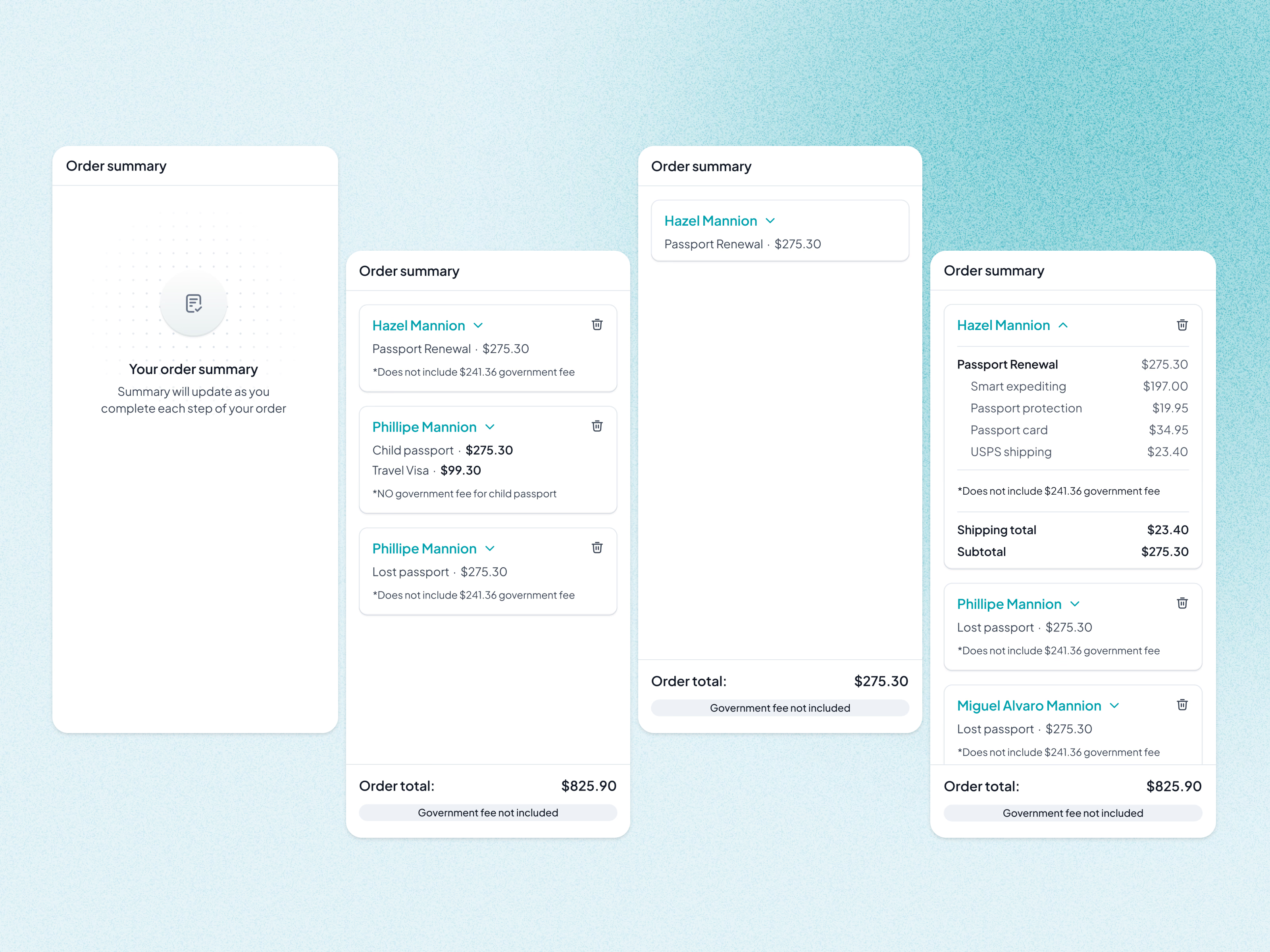
Desktop checkout at HelloGov keeps an order summary beside the form. This exploration takes it from empty to full.
Before anything is chosen, it says the summary will fill in as you go. With one traveler, it’s a single line and a total. With several, each person gets a collapsible card with their service, price and government fee note, plus a delete icon to remove them. Expanding a card reveals the breakdown: expediting, protection, passport card, shipping and a subtotal.
The order total stays pinned at the bottom, with a reminder that the government fee isn’t included. That reminder is there for a reason: most refunds came from people who didn’t know about the extra government fee. The mobile version carries the same note.
Got something real to build?
Tell us what you’re building and let’s see if we’re a good fit.