New PublicGrid homepage — Customer app home dashboard for Public Grid energy
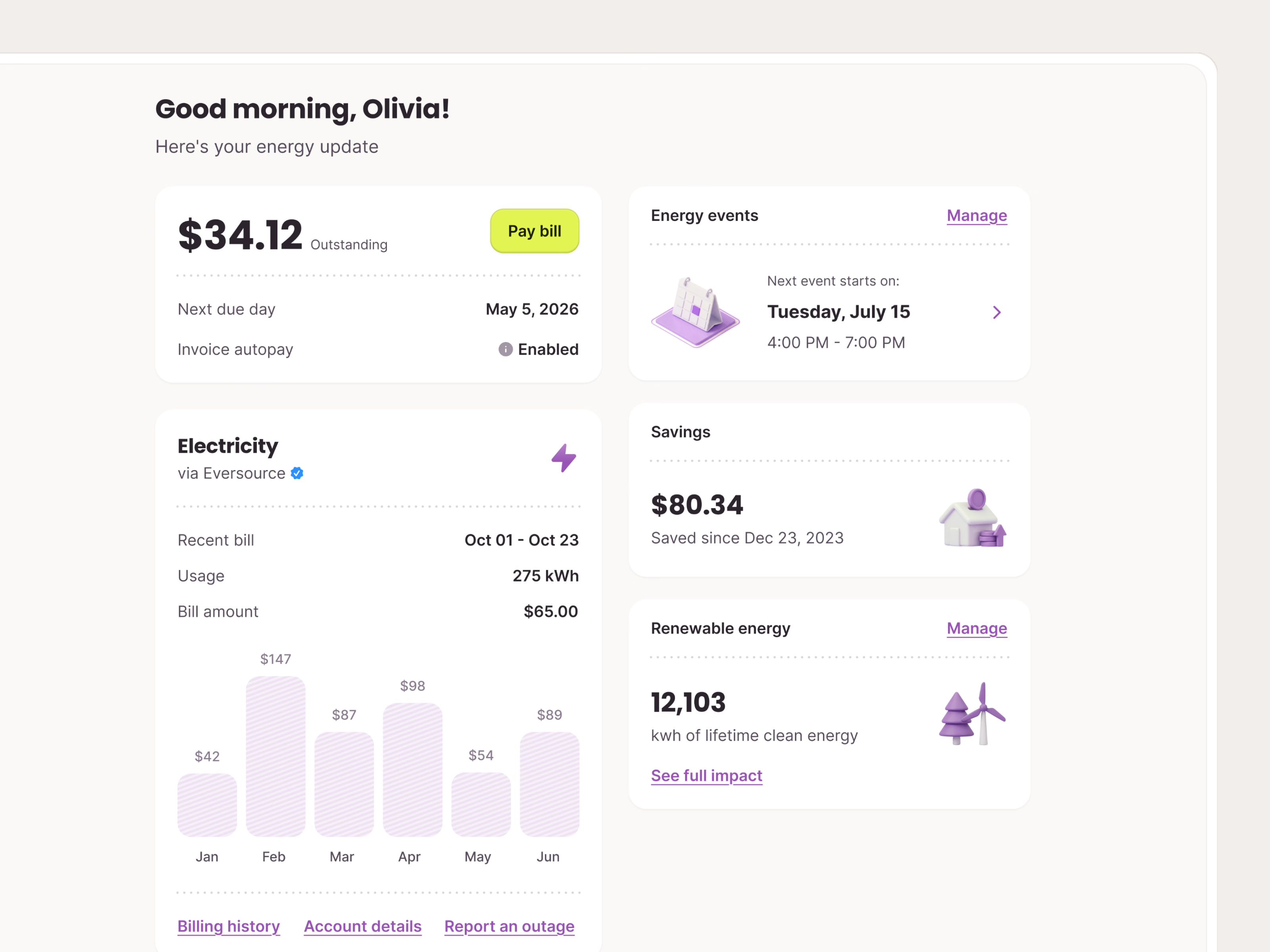
The new home screen of Public Grid’s customer app, the first thing people see after signing in. It answers the first question first: do I have anything to pay?
A greeting and a one-line energy update lead into two columns. The left holds money and usage: the outstanding balance with Pay bill, the due date and autopay, then the electricity card with recent usage and a six-month bill chart. The right holds what Public Grid does for the customer: the next energy event with its date and time window, savings to date, and lifetime clean energy with a link to the full impact, each marked with a 3D icon.
Got something real to build?
Tell us what you’re building and let’s see if we’re a good fit.